
 Русский
Stepper Motor Continuous Jitter When Returning to Origin
Stepper motor continuous jitter during the return-to-origin or homing process is a frequent issue that disrupts precise positioning and system stability. Understanding why the stepper motor exhibits continuous jitter when returning to the origin is essential for effective troubleshooting and ensuring smooth operation. This article explores the seven common causes of this problem and provides practical solutions.
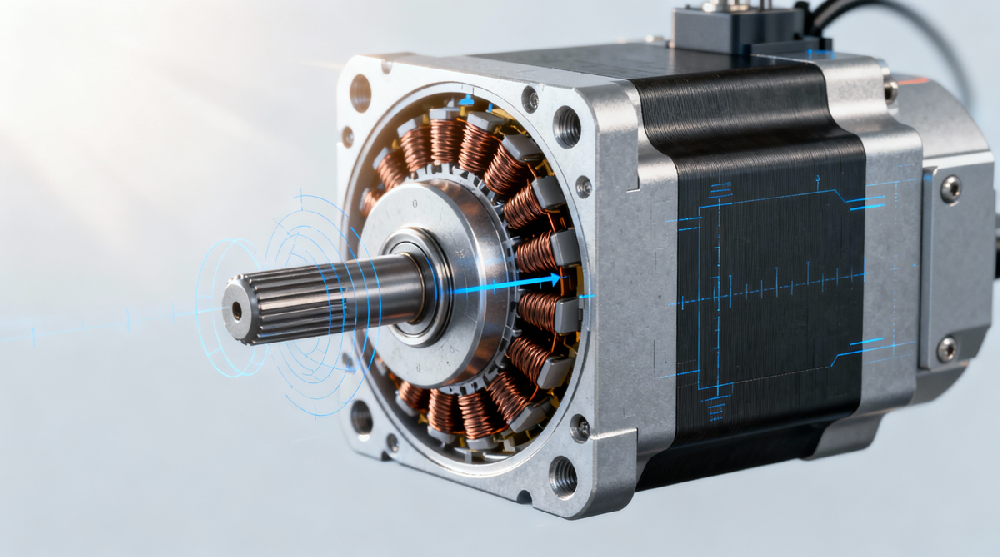
Why Does the Stepper Motor Exhibit Continuous Jitter When Returning to the Origin?
Stepper motor continuous jitter typically arises from hardware deficiencies, control parameter mismatches, electrical faults, or mechanical resistance. Identifying the root cause requires a systematic approach involving hardware checks, control tuning, and electrical inspections.
1. Hardware Issues Causing Continuous Jitter
Incorrect Driver Current or Microstepping Configuration
A driver current set too low can lead to insufficient torque, causing the motor to hesitate or jitter. Similarly, an improper microstepping setting, especially excessively high microstepping, can induce resonance vibrations that affect homing accuracy.
Check: Ensure the driver current matches roughly 70% to 100% of the motor’s rated current. Verify that the microstepping is set appropriately to avoid low-frequency oscillations during homing.
Solution: Adjust the driver DIP switches or software settings to increase current or reduce microstepping.
Excessive Mechanical Resistance or Jamming
Mechanical issues such as friction, misalignment, or damaged guide rails cause physical resistance, making the motor vibrate or jitter at certain positions.
Check: Manually rotate the load to confirm smooth movement. Inspect lubrication, lead screws, and couplings for wear or deformation.
Solution: Clean, lubricate, or repair mechanical components to restore smooth motion.
Abnormal Origin Sensor Signals
Faulty or misaligned origin sensors produce unstable signals, causing the motor to make constant fine adjustments without settling.
Check: Use a multimeter to verify sensor output stability. Confirm sensor alignment and positioning, especially for photoelectric switches.
Solution: Recalibrate or replace the sensor with a more interference-resistant type, such as a Hall sensor.
2. Control Issues Leading to Jitter
Steep Acceleration/Deceleration Curves
Sudden speed changes during homing can cause the motor to jitter due to abrupt mechanical forces.
Solution: Lower acceleration rates in the control software (e.g., from 500 rpm/s to 200 rpm/s), and consider using smoother S-curve acceleration profiles.
Excessive Return-to-Origin Speed
High homing speeds may cause the motor to miss steps near the origin, triggering protection mechanisms and repeated retries.
Solution: Implement a two-stage homing speed: a fast search speed (e.g., 300 rpm) followed by a slower precision positioning speed (e.g., 50 rpm).
Improper Closed-Loop Control Parameters
In closed-loop stepper motors, incorrect PID tuning can cause oscillations and jitter.
Solution: Reduce PID gains, especially the integral term, or use auto-tuning functions provided by the drive manufacturer.
3. Electrical Issues Causing Jitter
Insufficient Power Supply Capacity
A power supply unable to maintain voltage under load causes driver alarms and unstable motor behavior.
Check: Measure voltage during operation; ensure it stays above 87.5% of the rated voltage (e.g., keep >21 V for a 24 V system).
Solution: Upgrade to a power supply with at least 1.5 times the motor’s rated power requirements.
Wiring Errors or Poor Connections
Incorrect phase wiring or loose connections lead to irregular motor phase currents, causing vibrations and heating.
Check: Verify A+/A-, B+/B- wiring matches driver configuration. Wiggle cables to detect intermittent faults.
Solution: Re-crimp connections or use shielded twisted-pair cables to improve signal integrity.
4. Advanced Troubleshooting Techniques
Use an oscilloscope to inspect driver current waveforms; distorted signals may indicate damaged MOSFETs.
Swap motors or drivers to isolate faulty components.
Perform mechanical resonance tests by varying speed and observing vibration peaks (e.g., near 60 Hz); avoid resonance by adding dampers or adjusting microstepping.
Summary of Troubleshooting Stepper Motor Continuous Jitter
Basic Checks: Confirm stable power supply voltage, correct wiring, and reliable sensor signals.
Parameter Adjustments: Optimize driver current, microstepping, acceleration/deceleration, and homing speeds.
Mechanical Inspections: Conduct manual load tests, lubricate moving parts, and calibrate sensors.
Hardware Replacement: Perform component swaps to identify defective motors or drives.
If jitter persists, consider whether excessive load inertia requires a higher-torque motor or if electromagnetic interference affects control signals (use magnetic filters).
Recommended Articles:
Stepper Motor Step Angle and Calculation Formula: Complete Guide (2025)
Difference Between Sinking Current and Sourcing Current: 7 Powerful Facts
Motor Torque Calculation Formula: Simple Guide with 5 Key Torque Formulas